


What is the problem here?
AI has a last-mile problem. It can generate content brilliantly, but that content often isn’t ready to use. Whether it’s a resume, an invoice, or a research paper, AI-generated outputs usually need formatting, polishing, and exporting before they’re usable.
This typically involves switching between multiple tools—chat interfaces for drafting, LaTeX editors for formatting, and separate platforms for PDF export. It’s time-consuming, breaks creative flow, and often results in messy or inconsistent files.
Grok solves this with a focused and elegant solution: instant PDF generation built right into its Grok Studio interface. One place to create, refine, and finalize your documents.
How to access: https://grok.com
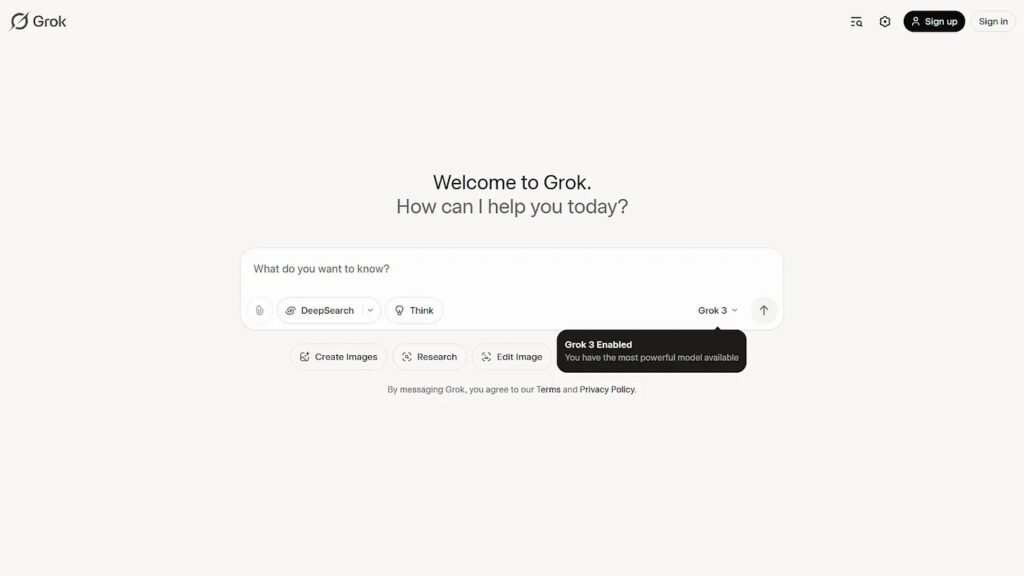
Grok lets you:
- Generate documents: Create resumes, invoices, research papers and more directly from natural language prompts.
- Live edit: Refine and customize your output using LaTeX or the interactive Grok Studio editor.
- Download PDFs: Instantly export your documents as polished PDFs—no extra tools required.
Example:
You need polished PDF files in various work scenarios—like writing research papers, generating invoices, or updating your resume.
Here’s how you can generate a professional document and export it as a PDF using Grok:
- Open Grok from your browser by visiting https://grok.com
- In the chat window, enter a detailed prompt like: “Create an invoice template for my company that includes GST, company logo, and is ready to download as a PDF.”
- Grok will automatically activate its Studio mode if the task involves document creation.
- Once you review, click the download button to save your polished PDF.
Pro tip: For academic work like research papers, save both the PDF and LaTeX source files for future edits or journal submissions.
What makes PDF generation by Grok special?
- Utility-first: A small feature solving a big workflow pain.
- Interactive studio: Refine your document before rendering.
- Versatile use cases: Invoices, resumes, papers—all done fast.
- Native PDF export: No third-party tools needed.
Note: The tools and analysis featured in this section demonstrated clear value based on our internal testing. Our recommendations are entirely independent and not influenced by the tool creators.

