
What Is Claude Dispatch?
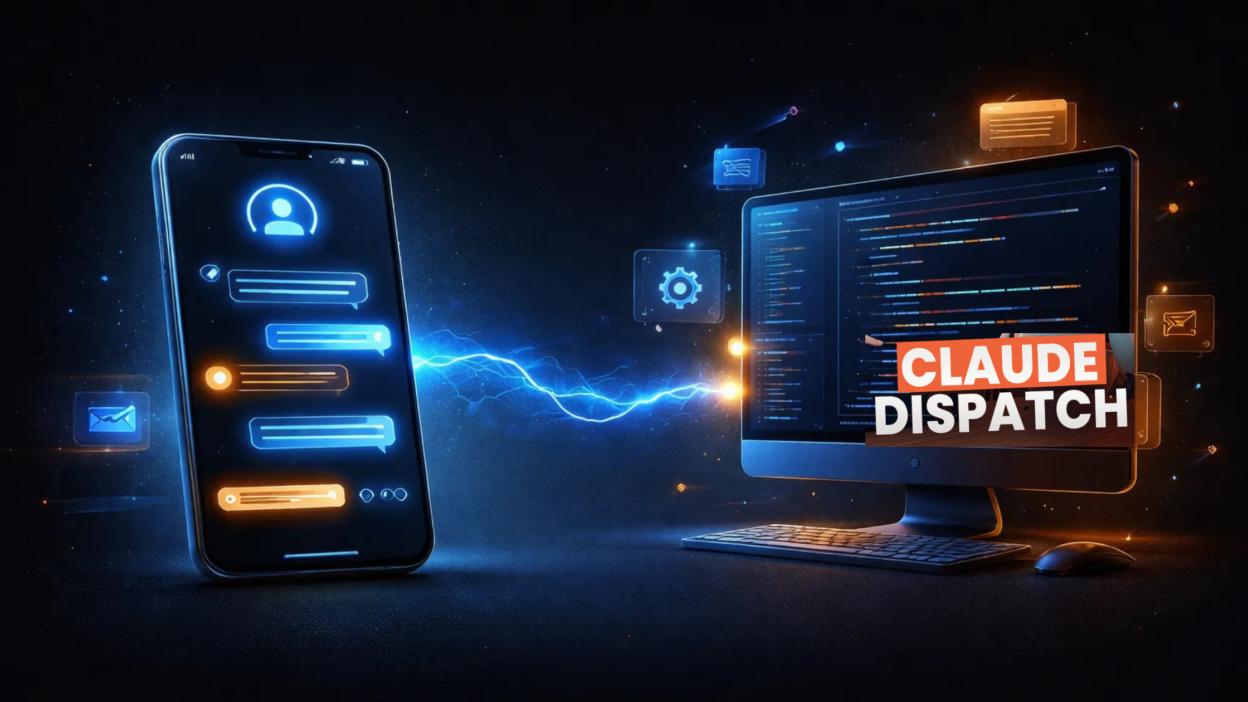
The Claude Dispatch AI tool is a groundbreaking feature from Anthropic’s Claude that bridges the gap between your phone and your desktop — finally making truly asynchronous AI work possible. Whether you’re in a cab, between meetings, or wrapping up a long day, Claude Dispatch lets you assign complex tasks to your desktop AI and come back to finished results.
This isn’t another chatbot you interact with in real time. It’s more like delegating to a brilliant assistant who works while you move.
The Problem It Solves (And Why It Matters)
Picture this: A senior manager has just walked out of a difficult client meeting. She’s in a cab, 45 minutes from her office. Her CFO needs the monthly management pack by morning — pulling data from six department Excel files, flagging variances, and formatting the whole thing. Her laptop is at her desk. Her team is unavailable.
This isn’t a fringe scenario. This is Tuesday.
Before the Claude Dispatch AI tool, the options were grim — wait until you’re back, call someone who’s probably also unavailable, or skip the prep entirely. Standard AI tools couldn’t help because they require you to sit in front of a browser tab and actively guide every step.
Claude Dispatch breaks that dependency entirely.
How Claude Dispatch Works
Getting started is straightforward:
- Download Claude Desktop on your work computer
- Install the Claude mobile app on your phone
- Enable Dispatch inside the Cowork tab
Once set up, you can send tasks from your phone, and Claude executes them on your desktop — reading your actual local files, using your connected tools, and delivering the output back into the same conversation thread.
Key Use Cases of the Claude Dispatch AI Tool
Silent Compiler
Compile multi-file reports while you’re in transit or between back-to-back meetings. No manual copy-paste. No waiting.
Inbox Sentinel
Triage your inbox and surface urgent emails before your workday even begins. Start every morning already ahead.
Recurring Pilot
Automate recurring tasks — like daily status reports or weekly summaries — on a schedule, monitored entirely from your phone.
Real-World Examples That Prove the Point
The Consultant’s Last-Minute Prep
A consultant heading into a client pitch realizes she hasn’t fully researched a key competitor. From her phone, she sends:
“Check my /Research folder and emails from our sector lead. Compile a 1-page snapshot and save to /Pitch-Prep.”
By the time she walks into the boardroom, it’s done.
The HR Manager’s Briefing Packs
An HR manager wrapping up back-to-back interviews needs three candidate briefing packs ready for tomorrow’s final round. From her phone:
“Pull the shortlisted CVs, generate interview questions based on the JD, attach the interview notes, and save one briefing doc per candidate to /Briefing-Packs.”
She’s home before they’re ready to share.
What Makes Claude Dispatch Different
- Truly async — You assign the task and leave. Claude doesn’t need you hovering over it
- Local file access — Claude reads your actual desktop files, not just what you paste into a chat window
- Data stays with you — Local processing means sensitive information never leaves your machine
- One persistent thread — Your phone and desktop stay perfectly in sync, no app switching, no copy-pasting between devices
Anuj’s Testing: Does Claude Dispatch Actually Deliver?
Anuj put the Claude Dispatch AI tool through its paces across real work scenarios — not controlled demos, but actual Tuesday-morning pressure situations.
The verdict? The async model is the real differentiator. Most AI tools demand your attention. Claude Dispatch demands only your instruction. Anuj found that the one-thread sync between mobile and desktop eliminated the friction that typically kills productivity workflows — no back-and-forth, no reformatting, no “where did that output go?”
The local file processing was particularly impressive. Unlike cloud-based AI tools that require uploading documents, Claude Dispatch works with files as they live on your machine — which matters enormously for client data, financial reports, and anything sensitive.
The Recurring Pilot feature stood out as underrated. Automating daily status report generation and monitoring it from a phone is the kind of unglamorous workflow upgrade that saves hours every week.
Bottom line from Anuj’s testing: The Claude Dispatch AI tool isn’t a novelty. It’s a genuine productivity shift for professionals who live between meetings and need their AI to work with their schedule, not against it.
Final Thoughts
The Claude Dispatch AI tool represents a meaningful evolution in how we interact with AI at work. It moves AI from a reactive tool — one that waits for you to sit down and type — to a proactive delegate that executes while you live your day.
For marketing professionals, consultants, HR managers, and anyone juggling multiple high-stakes deliverables, this is the async workflow upgrade that’s been missing.
Ready to try it? Download Claude Desktop, enable Dispatch in the Cowork tab, and send your first task from your phone tonight.